
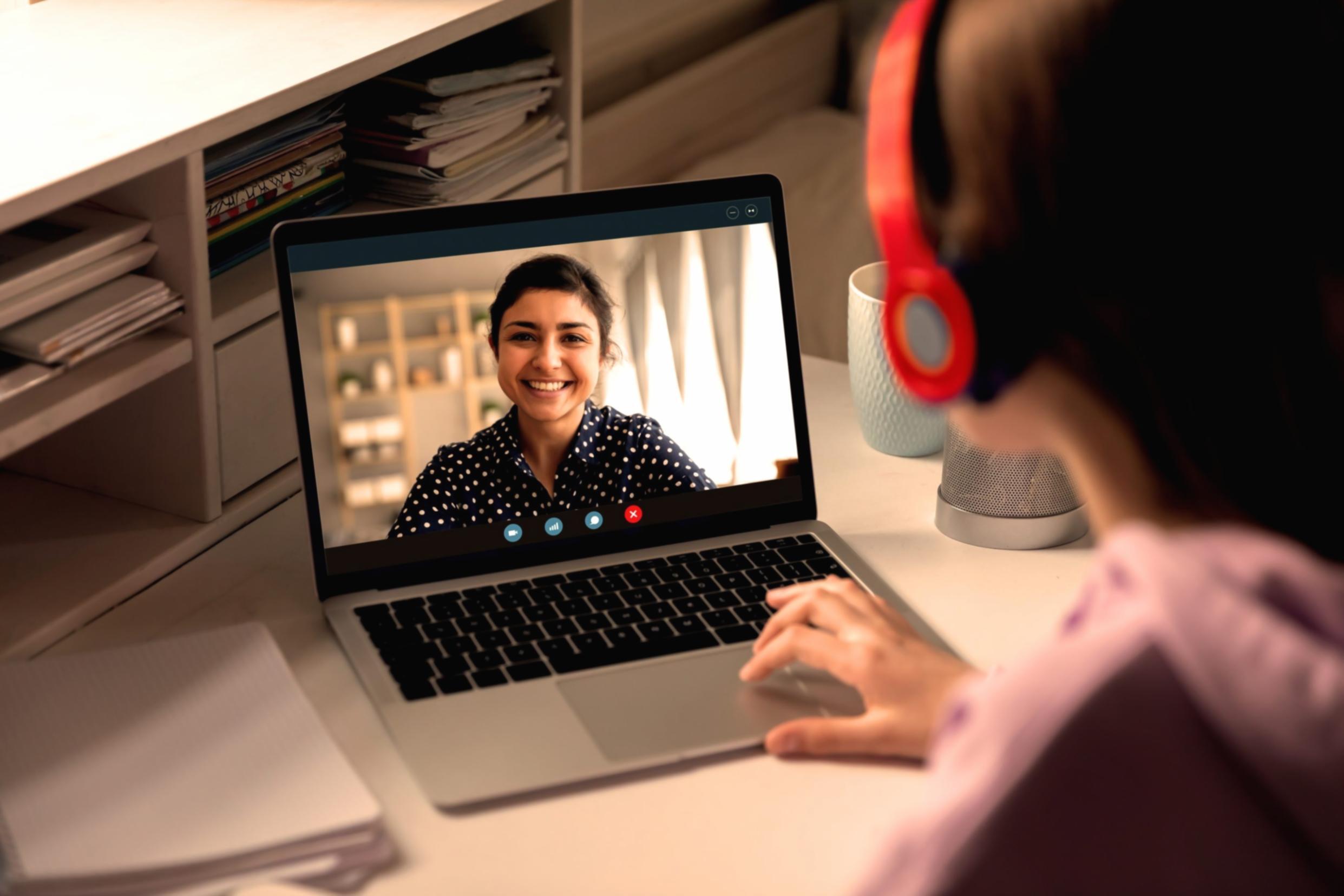
The video production landscape shifted dramatically over the past eighteen months, and most of it traces back to AI integration in editing software. If you're running a small business and still editing videos the same way you did two years ago, you're probably spending three times longer than necessary.
1. Auto-Transcription Became Reliable Enough to Trust
Remember when auto-captions were a joke? Tools like Descript and CapCut now transcribe with 95% accuracy right out of the gate. I tested this with client testimonial videos—the time saved on manual captioning alone cut editing time by 40%. You still need to review the output, especially with technical terms or accents, but it's no longer a starting-from-scratch situation.
2. B-Roll Selection Happens in Seconds, Not Hours
Platforms like Runway and Adobe's Sensei now analyze your A-roll footage and suggest relevant B-roll from stock libraries based on what's being said. Does it always nail the mood? No. But it gives you a solid starting point instead of scrolling through hundreds of clips. For product demos and explainer videos, this cuts research time from two hours to maybe twenty minutes.
3. Color Grading Presets That Actually Match Your Footage
AI-assisted color correction tools now read your footage's lighting conditions and apply appropriate LUTs automatically. DaVinci Resolve's color match feature can sample a reference image and apply that look across your entire timeline. The quality isn't Hollywood-grade, but for social media content and basic commercial work, it's completely usable without a colorist on staff.
4. Audio Cleanup That Doesn't Sound Processed
Background noise removal used to leave your audio sounding like it was recorded in a tunnel. Tools like Adobe Podcast AI and Descript's Studio Sound now strip out ambient noise, echo, and room tone while keeping voices natural. I've salvaged client interviews recorded in coffee shops that would've been unusable two years ago.
5. Template Customization Without Starting From Zero
Motion graphics templates in Premiere Pro and After Effects now adapt to your footage duration and aspect ratio automatically. Change one parameter, and the entire animation adjusts proportionally. This means you can maintain brand consistency across dozens of videos without rebuilding animations each time or hiring a motion designer for every project.
The catch? These tools still require someone who understands basic editing principles. They accelerate workflow for people who know what they're doing but won't magically make bad footage good.